

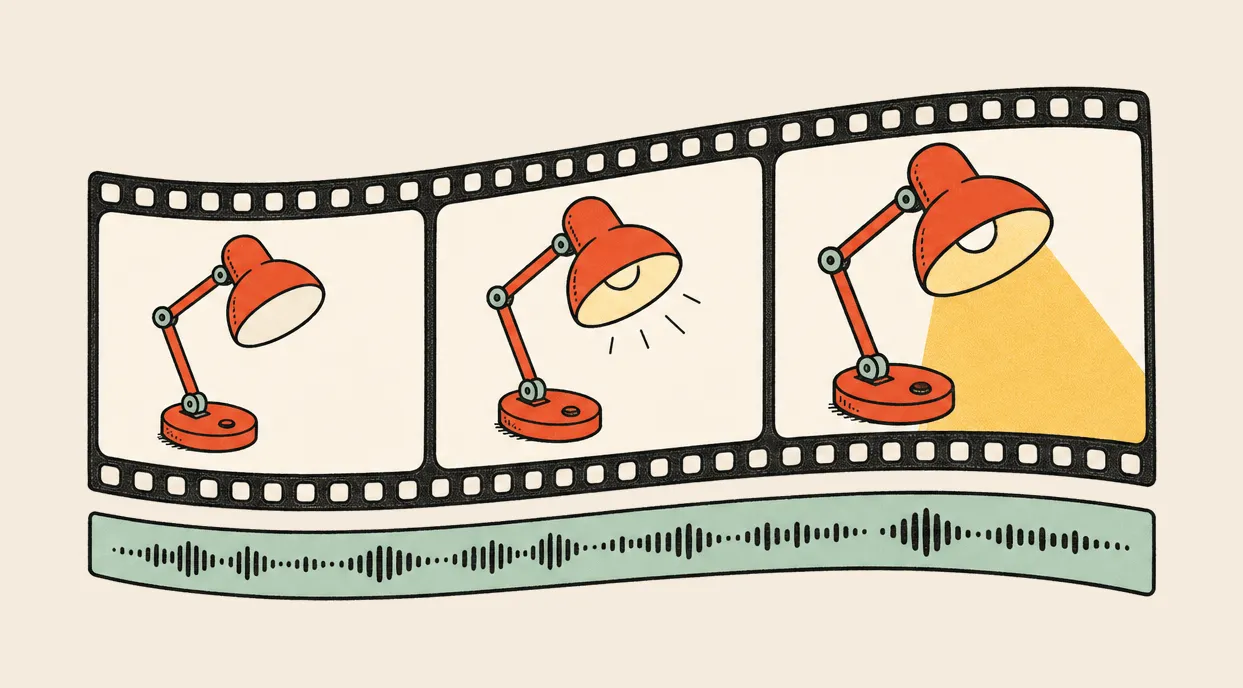
You have the product, the screenshot and the paragraph explaining why anyone should care. You want a short video to go with the launch.
Your agent knows what you built and may already have written the script. Then something has to move, and the work leaves the conversation.
Open another tool. Find the right model. Set up an account. Move the brief over. Download the result. Come back for the voiceover.
TaskFuel gives your agent access to video generation from the same prepaid balance it uses for images, music and speech. The brief can stay where the rest of the work is.
Start with a picture you already like
A product image gives you a starting point. The subject and composition are there; now you can describe the movement.
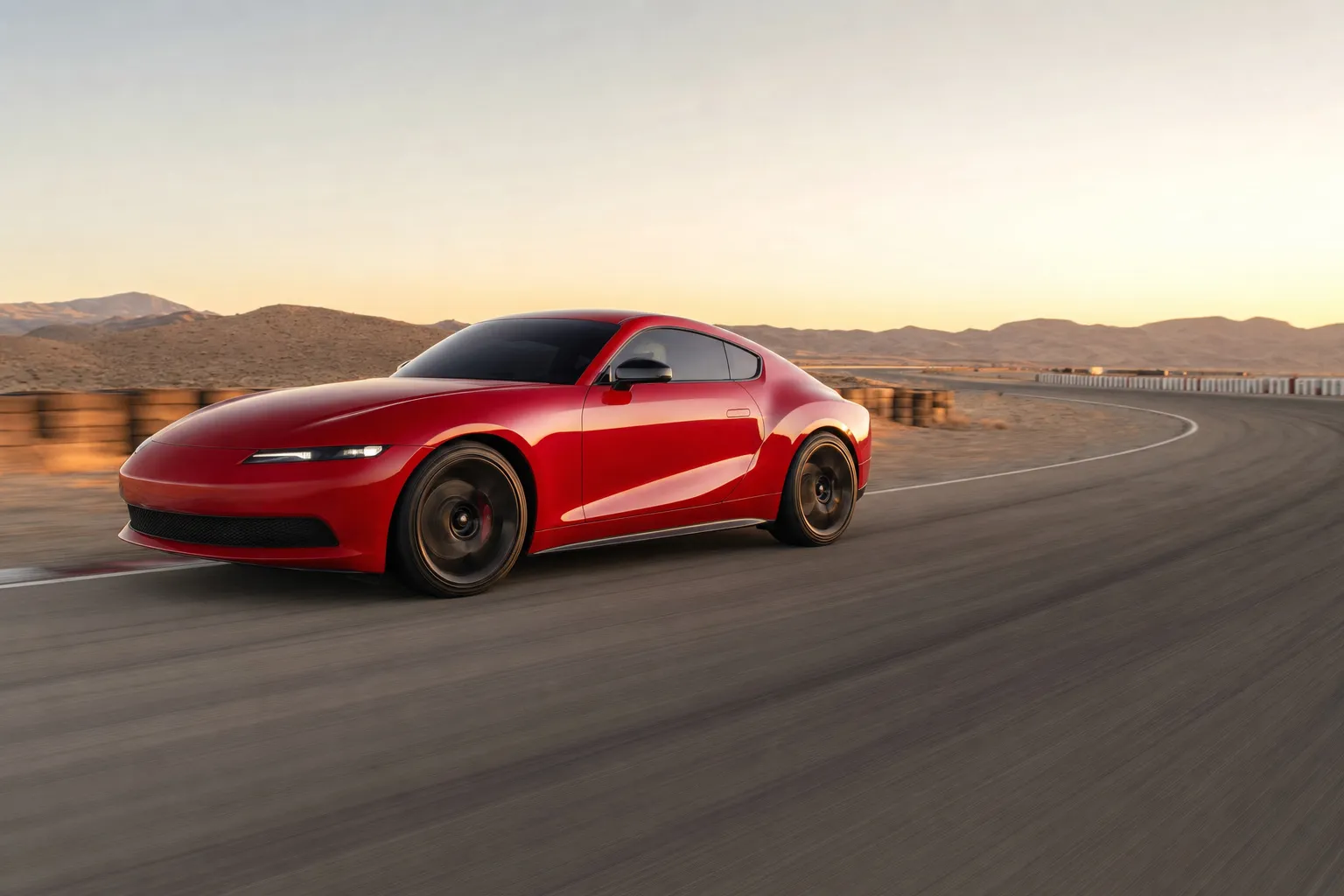
We made one for this post: a red sports coupe on a desert test circuit, with the road already blurring beneath it. GPT Image 2 generated this image through StableStudio for $0.17. The car is fictional; the output below is the actual starting image for the video.
 $0.17
$0.17Photorealistic automotive campaign photograph of one unbranded scarlet-red two-door sports coupe accelerating along an empty closed desert test circuit at golden hour. Low front three-quarter tracking-camera view, car pointed to the right, entire car and all visible wheels inside the frame. Sculpted low bonnet, simple narrow headlights, black five-spoke wheels, dark windows, realistic red paint reflecting the warm sky. The car body is crisp while the spinning wheels and asphalt show controlled directional motion blur. Pale desert hills, a sweeping bend and trackside barriers recede behind it. Dynamic but physically believable, natural light, realistic scale and geometry. Leave generous space ahead of the car and keep its complete silhouette within the middle 60 percent of the image height for a later widescreen crop. No other vehicles, no people visible, no badges, no brand logos, no words, no watermark. Landscape photograph, not an illustration.
Then make that picture move
We passed that image directly to Wan 2.6 and asked for ten seconds at speed. The video cost $1.00 through StableStudio. It keeps the source image’s 3:2 framing, with 300 frames of motion at 30 frames per second.
Use the supplied image as the first frame. A continuous ten-second photorealistic automotive tracking shot of the same scarlet-red sports coupe travelling at high speed on an empty closed desert test circuit at golden hour. Begin low beside the front quarter, matching the speed of the car. The wheels rotate rapidly and the asphalt, barriers and desert background sweep past with convincing directional motion blur while the car remains sharp. Over the shot, the camera eases towards a clean side profile as the car follows one broad sweeping bend, with subtle realistic suspension movement and stable tire contact. Finish with the car accelerating slightly ahead of the tracking camera, still fully in frame. Preserve the body shape, headlights, red paint, wheels and proportions of the reference throughout. Real-time speed, no slow motion, no cuts. Natural engine and tire sound only; no speech or music. No other cars, people, text or logos.
The track rushes past and the camera sweeps across the front of the car. It takes a wider route around the nose instead of settling into the side view we asked for. Watch the wheels, bodywork and camera path before deciding a take is ready to use.
Keep exact logos, prices and interface text in the edit, using the original assets. Ask the video model for the shot around them.
Give the same shot a second take
Keep the reference image when asking for another version. Change one thing: a slower camera move, a different duration, or another model that accepts an image. Quote that request first, then compare the results together.
Watch the silhouette, the material and the way the light falls. A second take earns its cost when it fixes something you can name.
Now give it something to say
The clip includes the provider’s generated audio and starts muted. We have not added a voiceover, music bed or end card. Those would be the next steps in turning it into an advert.
A line such as “Make the journey worth taking” gives the picture something to say. A short music bed could carry the acceleration into an end card.
That is where the earlier pieces come together. We covered reference images and revisions in Let your agent be your designer, and music, voiceover and effects in Let your agent be your sound designer.
For this video, ask for a short read and music that leaves room for it. Listen against the picture. If the voice feels rushed, shorten the line. If the music fights the read, lower it or try another bed.
An agent with access to an editing tool or a local renderer can assemble those assets, add captions and export the cut. TaskFuel supplies access to the paid generation tools; the editing happens in the agent’s working environment.
Spend on the part that needs another try
A different closing line should only need a new voiceover and an edit. Moving the logo should be an edit too. Save another video generation for changes to the actual shot.
Ask your agent to keep the source clips, audio and editable project alongside the export. Then “make the ending shorter” is a revision with the work still there.
Video also deserves a budget of its own. Have the agent quote the duration and quality you want before generating, and keep track of every attempt. A rejected take belongs in the total too.
What the example cost
The car image cost $0.17 and the video cost $1.00, both through StableStudio on September 18, 2026. One generation for each asset: $1.17 for the pair. An earlier lamp example cost $0.57 and the blog cover cost $0.17, bringing this post’s generation spend to $1.91. Quote your own request before paying; duration and model settings can change the price.
Give it the whole brief
Start with one short piece and a clear place to use it:
Make a product image for this launch, then turn it into a ten-second video. Show me the image before animating it. Quote each generation first and keep the total under $2. Return the starting image, the MP4, both prompts and the actual charges.
Your agent already has the context. Give it the tools to turn that context into something people can watch.
Connect your agent and start with $5 in free credit.
