
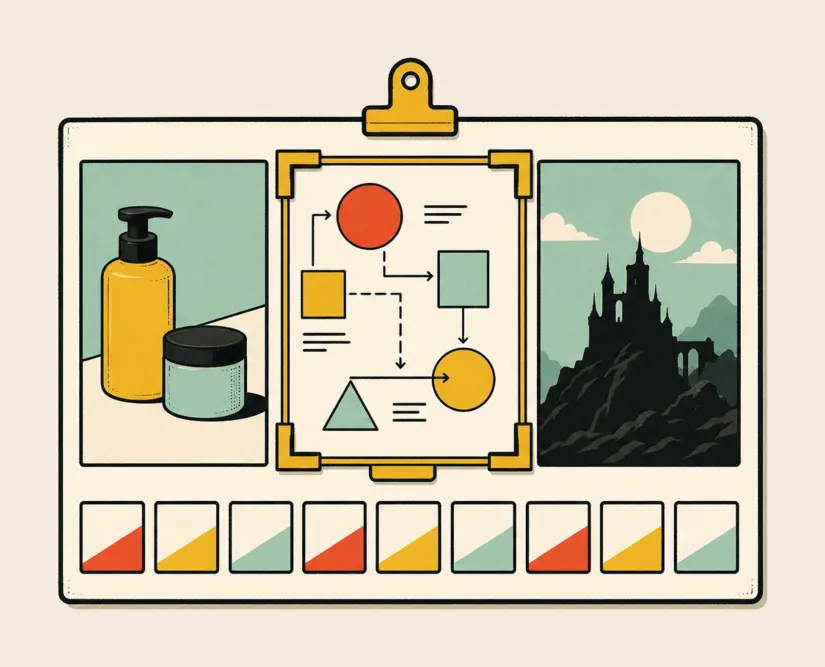
A hero image used to cost a day of someone’s time, and a blog header meant a stock-photo search with a license purchase on top.
Your agent can now make either one for a few cents. That changes what is worth illustrating at all. At 3¢ a draft you can put a dozen directions in front of someone for the price of one stock photo, then spend 13¢ on the one that ships. The post gets its illustration, the landing page loses its gray boxes, and nobody waits a week for either.
TaskFuel lets your agent discover, quote and pay for a variety of image-generation models. It helps you select the right one for your job, and you don’t need to create yet another account, subscription or API key to get it done.
The nine image-generation models
Today, your agent can use the following models on one balance, with no provider account of its own. Skip ahead to the workflows to see them at work.
- FLUX spans low-latency generation, high-quality output and multi-reference editing, so use it when an agent needs to trade speed against finish quality or iterate from several visual references.
- Nano Banana is Google’s image model, supporting conversational generation, editing and reference-aware work, so use it for multi-turn tasks and for images that have to carry legible type.
- GPT Image supports generation, prompt-based edits and conversational image workflows, so use it when the visual task sits inside a broader reasoning loop.
- Seedream focuses on reference fidelity, multi-image editing, typography and poster composition, so use it for campaign visuals that must preserve subjects, logos or other supplied details across revisions.
- Recraft covers photorealistic images, illustration, typography and raster or vector design, so use it for polished brand assets, posters, logos and creative work intended for print, once you have verified the delivered format.
- Ideogram emphasizes prompt fidelity, in-image text, logos, posters and controllable editing, so use it when typography is part of the composition rather than a caption added later.
- Grok Imagine supports image generation plus natural-language editing with multiple references, so use it when an agent needs to create a still and revise it against a small set of source images.
- Stable Diffusion and SDXL underpin a broad ecosystem of generation, fine-tuning, image-to-image and control tooling, so use them when specialized styles or granular workflow control matter more than a single opinionated default.
- Qwen Image combines general generation and precise editing with strong English and Chinese text rendering, so use it for multilingual posters, infographics and other layouts with substantial visible copy.
These descriptions are not a leaderboard. A model that wins a benchmark can still be the wrong choice for one prompt, reference set, aspect ratio or delivery format. Your agent, with the help of TaskFuel, picks the one that fits your job.
Without TaskFuel, an agent needs a separate account, API key, balance and request format for every model gateway. That friction pushes a team into picking one model for every job, even when another model fits the task better.
On TaskFuel, it is one account and one balance.
Three image-generation workflows for agents
1. Turn a creative brief into a concept board
Give the agent a product description, audience, channel and a cap on how many concepts to produce. It turns that into several deliberately different directions and returns them together, with the prompt, model and rationale beside each option.
The useful output is a small set of distinct decisions: photographic or illustrative, minimal or dense, product-led or story-led. You pick one before the agent spends anything on refinement.
I need a hero image for the launch page. Give me six different directions: two product shots on a white background, two lifestyle scenes and two illustrations. Make them all 16:9 and keep the tagline readable. Show them to me together, with the prompt and model you used for each, then wait for me to pick one before you spend anything more.
2. Create contextual illustrations for publishing and learning
An editorial agent can read an article, lesson or report, find the moments that need a visual, and illustrate them to match. A lesson might need a process diagram; a long article a header and two conceptual pieces.
Have it write a brief first: what the image must communicate, which labels need exact spelling and how the result will be used.
A complete output includes alt text, the prompt and model used, where the image goes and whether a human signed it off. That makes a generated image something you can check.
Read the draft in drafts/how-coaching-works.md and tell me the three places where an illustration would actually help. Write a short brief for each one and let me approve them before you generate anything. Then make a 16:9 header and two inline diagrams, write alt text for all three, and save them next to the markdown.
3. Explore characters, environments and props before production
A narrative or game-development agent can turn a written setting into character silhouettes, environment studies, creature concepts and prop sheets. Reference-aware models carry the details you approve into later rounds instead of restarting from a description each time.
It can start broad, ask you to approve a direction, then vary pose, clothing, lighting or environment around it, keeping the accepted references and the constraints that must stay fixed. Because image and video share the same balance, an approved still can go straight into image-to-video for a motion test.
Read lore.md for the setting, then sketch six silhouettes of the smuggler captain. Keep the lighting and framing consistent so I can compare them properly. Once I pick one, use that image as the reference and show me the same character in four different environments.
Let your agent make the images
None of this is homework. You should not have to memorize nine models just to ask for a picture. Your agent reads the brief, finds the operations that match and checks the real price before it spends.
Connect your agent and the first $1 is on us.
Read the draft in drafts/my-next-post.md and give me three options for its header image, all 16:9. Pick the right model for the job and tell me what it costs before you use it.